
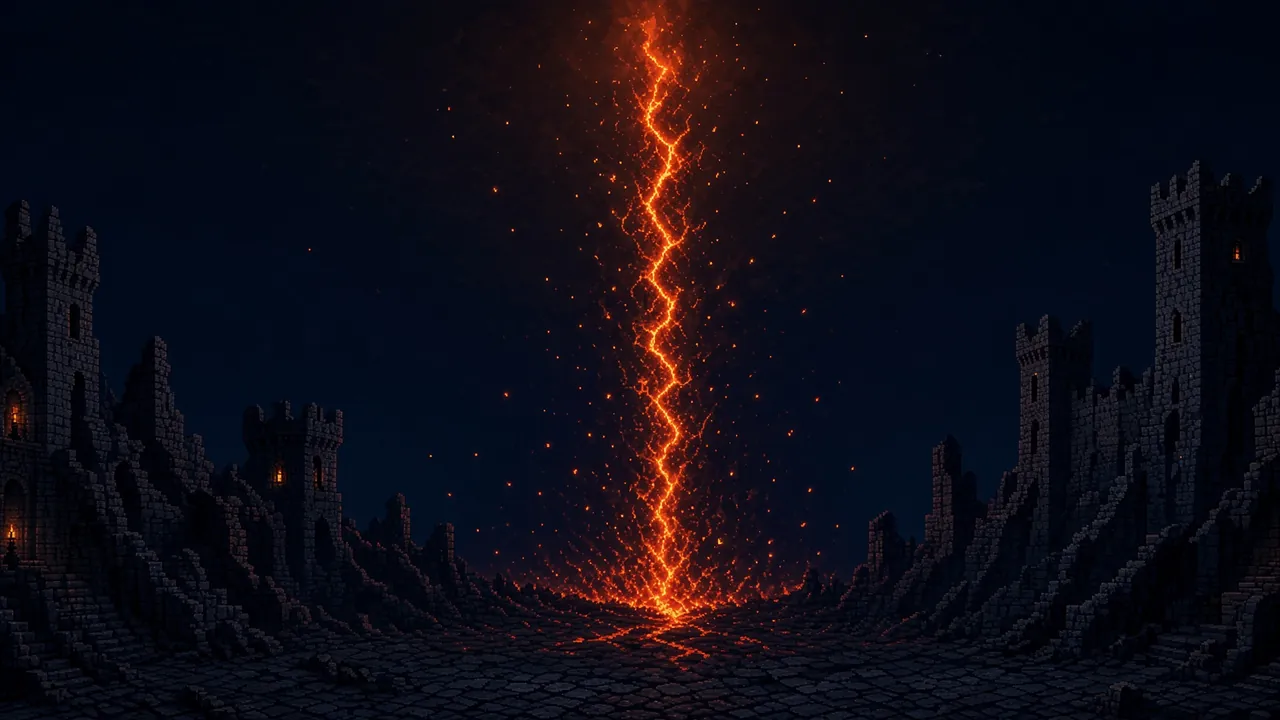
A game by Gariga Studios
Seal the rifts. Keep what you find.
Alpha Free, pay what you want. In your browser, on desktop and phone.
What is Riftscar
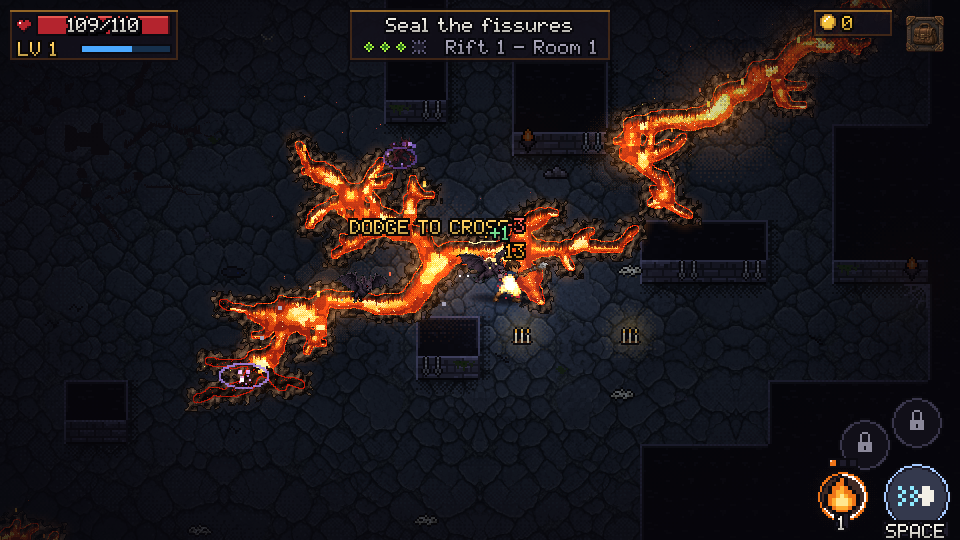
A top-down action roguelike in pixel art and dark fantasy. You walk into a room, the floor cracks open, and things start crawling out of the fissures. Your hero attacks the nearest enemy on their own: your job is to move, dodge and pick the right moment for your powers.
Seal the last fissure and the chest opens, along with the usual question: leave with what you have, or go on and risk it? Die and you lose the bag. Make it back and the city is waiting, so you can sell, upgrade and get ready for the next run.
What is in the alpha
-
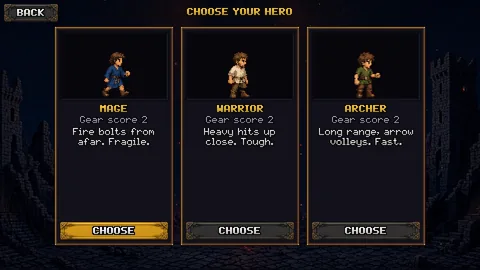
Three classes
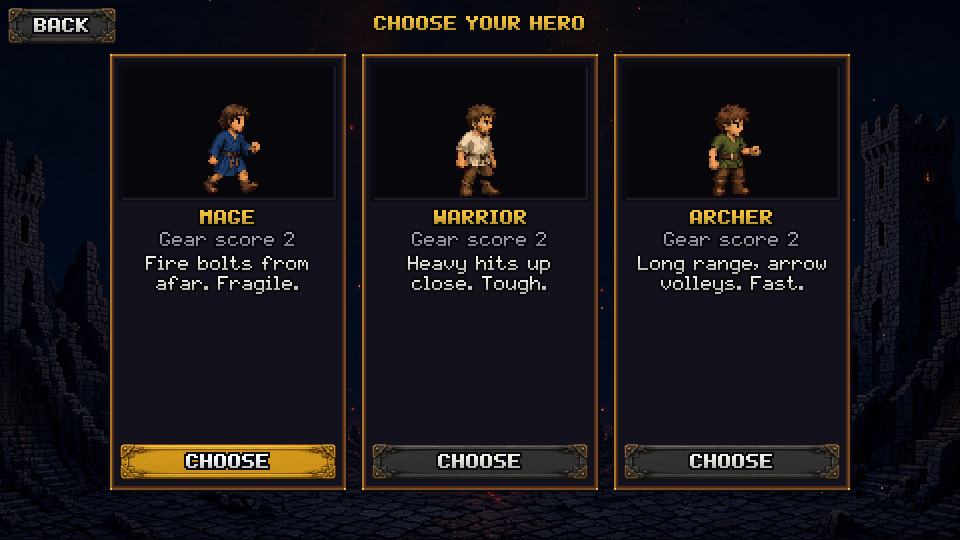
Mage, Warrior and Archer. Each one fights differently and has its own weapons, gear and powers.
-
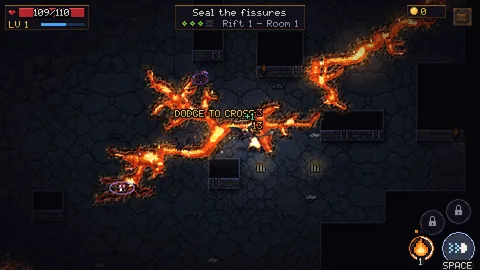
Fissures and Rifts
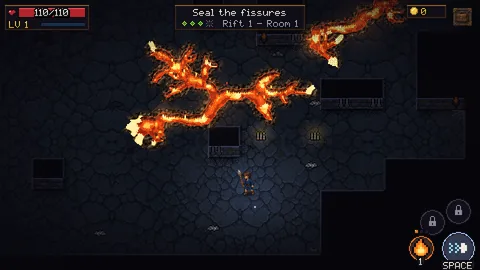
Fissures cut through the room like rivers of lava, and the only way across is a dodge. Ten rooms make a Rift; after the first one come longer, harder ones.
-
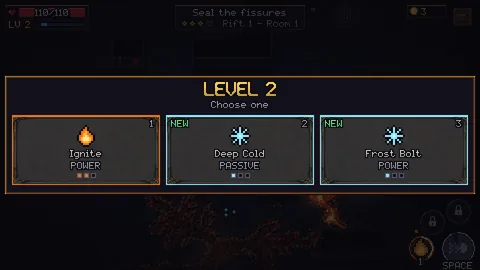
Powers by family
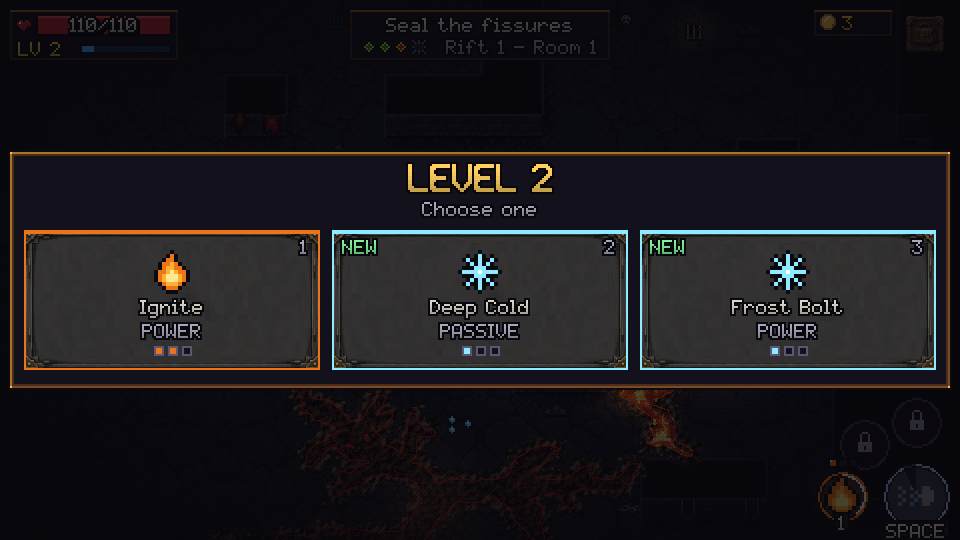
Every level you pick one of three cards. Fire, Frost, Storm, Blood and more: collect powers of the same family and its bonus switches on.
-
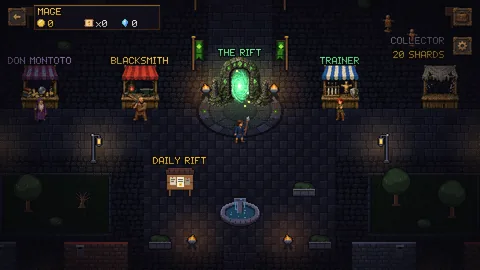
The city
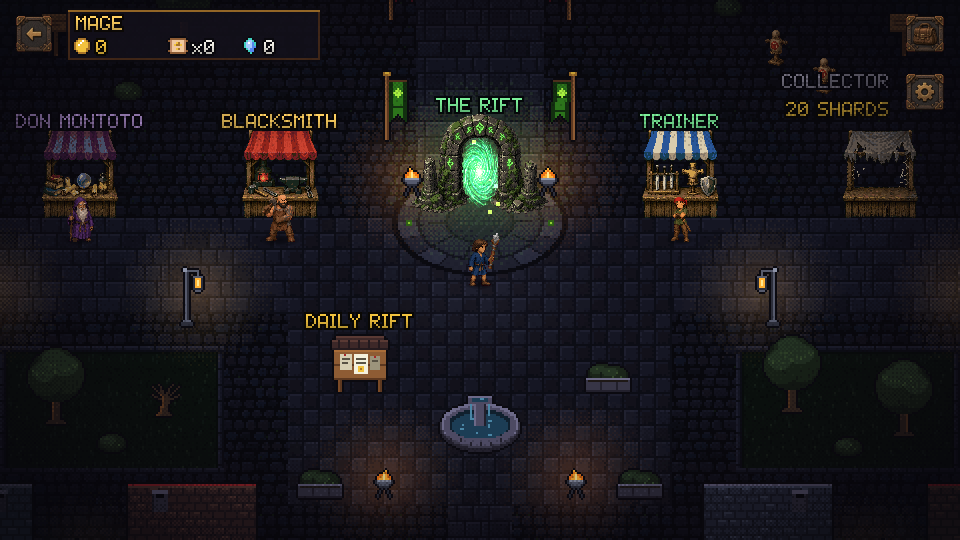
Between runs you walk the city. The Blacksmith buys, sells and upgrades your gear; the Trainer ranks up your powers; the portal takes you back to the Rift.
-
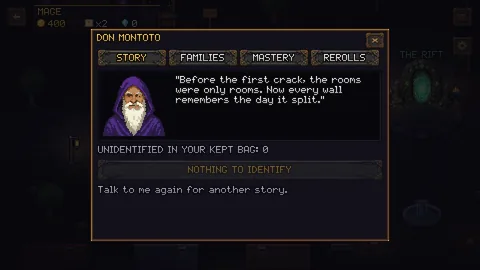
Don Montoto
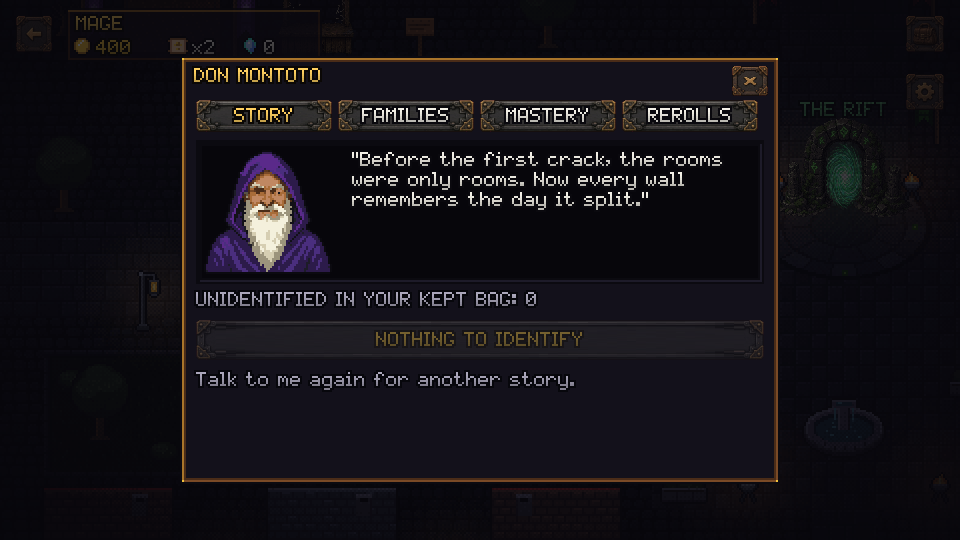
An old man caged in the fifth room. Rescue him and he moves to the city: he identifies what you find for free and, if you stop to chat, tells stories about the fissures.
-
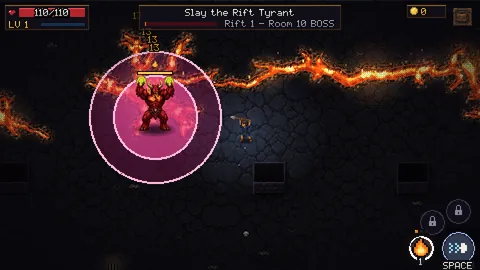
Bosses
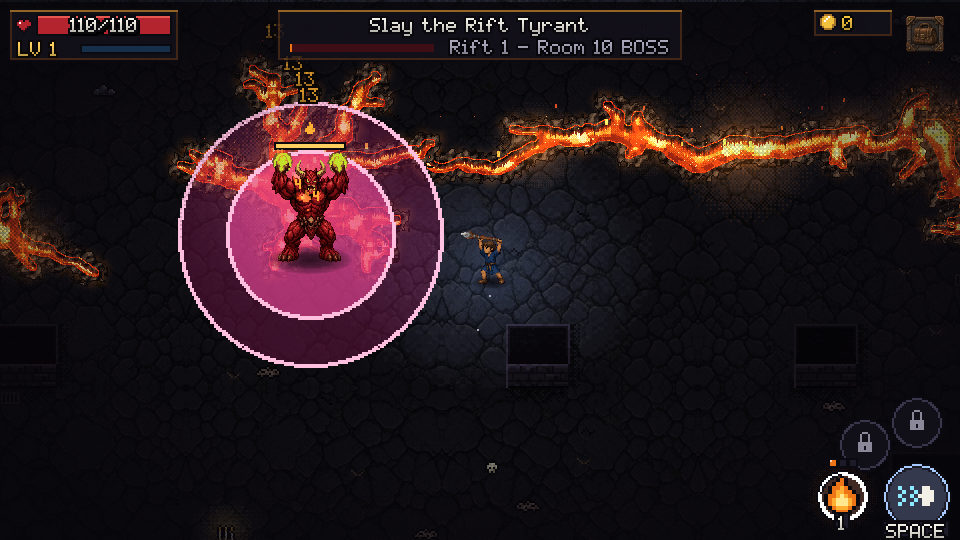
Every Rift ends with a boss. The first is the Rift Tyrant: it telegraphs every blow, so learn to read it.
In motion
This is what a room looks like: fissures open, monsters pour out and you never stop moving. The screenshots above open at full size, and all of them can be downloaded from the press kit.
Status: Alpha
Riftscar is an early version. It is playable, but content is missing, the balance changes often and you will run into bugs. That is exactly what the alpha is for.
Your progress is saved only on your device, in the browser you play in. If you clear your browsing data or switch browsers, you start over. You can export a backup code in Settings.
How to report a bug
- In the game, tap the QA tab: it is on every screen and pauses the game.
- Tap the exact spot where you saw the problem.
- Pick what kind of problem it is, how serious, and tap Save.
- When you are done, open Export, copy or download the report and send it to garigastudios@gmail.com.
The report does not leave your device until you send it.